"My phone is doing things on its own", "my battery doesn't last like it used to", "I think someone is listening to my phone"… These are worries we hear often from customers who come into our repair shop. Sometimes there really is a malicious app behind these complaints; sometimes the problem is entirely down to hardware or an innocent setting. In this article we explain the signs that your phone may have been hacked, how to check for them and what to do if your suspicion turns out to be right.
How Do Phones Usually Get Compromised?
The remote "hacking" scenes seen in films are quite rare in real life. The vast majority of cases in everyday life start with the user being tricked in some way:
- "Free" or "modded" apps downloaded from outside the official store
- Files installed through fake links received by SMS, WhatsApp or email
- Granting apps more permissions than they need
- The phone ending up in someone else's hands for a short time and a tracking app being installed unnoticed
- Known security holes in old operating systems that no longer receive updates
9 Signs Your Phone Has Been Hacked
1. The Battery Draining Fast for No Clear Reason
Spyware that runs constantly in the background can drain the battery quickly. However, the most common reason for fast battery drain is a worn battery. If an app you do not recognise is near the top of the battery usage list in Settings, pay attention. If battery health is low, the problem is most likely hardware-related, and a battery replacement is all that is needed.
2. The Phone Getting Warm When Not in Use
If the phone heats up while the screen is off and it is not charging, it may mean heavy processing is going on in the background.
3. Unexplained Mobile Data Usage
Malware sends the information it collects over the internet. If you see an app you do not recognise using a lot of data in your data usage settings, be suspicious – especially when you are travelling on a limited data plan or a local SIM card.
4. Apps You Do Not Recognise
Apps you do not remember installing, apps without an icon, or apps with generic names such as "System Service" or "Update" are a warning sign.
5. Constant Adverts and Pop-Ups
Adverts appearing on the home screen, the lock screen or when no app is open mean there is adware on your phone.
6. Activity on Your Accounts That You Did Not Do
If messages you did not send are going out from your social media accounts, or your bank is notifying you of transactions you do not recognise, the situation is serious. See our guide on hacked social media accounts for more.
7. Text Messages That Never Arrive or Disappear
If you are not receiving the confirmation codes your bank should send, there may be an app reading and hiding your text messages. In that case, call your bank immediately.
8. The Camera or Microphone Indicator Lighting Up on Its Own
On current iPhones and Android phones, a green or orange dot appears at the top of the screen when the camera or microphone is in use. If this indicator lights up when you are not using any app, check which app is accessing it.
9. Settings Changing by Themselves
The screen lock being switched off, permission to install from unknown sources being turned on, or a new "device administrator" app being added are all suspicious.
Checks You Can Do Yourself
- Go through your app list: remove apps you do not recognise.
- Check app permissions: review one by one the apps with location, microphone, camera, SMS and accessibility permissions. A torch app has no need to read your text messages.
- On Android, review device administrator apps: in the "Device admin apps" section of the security settings, disable any entries you do not recognise.
- On iPhone, check profiles: if there is a profile you do not recognise under Settings > General > VPN & Device Management, remove it.
- Run a Google Play Protect scan: on Android devices you can run a security scan through the Play Store.
- Update your software: updates close known vulnerabilities.
If You Are Sure Your Phone Has Been Hacked
- Call your bank first: if you use mobile banking, report the situation and have the necessary precautions taken.
- Change your passwords from another device: change your email, social media and iCloud/Google account passwords from a secure device and turn on two-step verification.
- Back up your important data: back up your photos and documents, but do not back up unknown apps.
- Reset to factory settings: the most reliable way to remove malware completely is to reset the device and reinstall apps only from the official store.
- Let your contacts know: messages may have been sent in your name.
Not Every Strange Behaviour Is a Hack
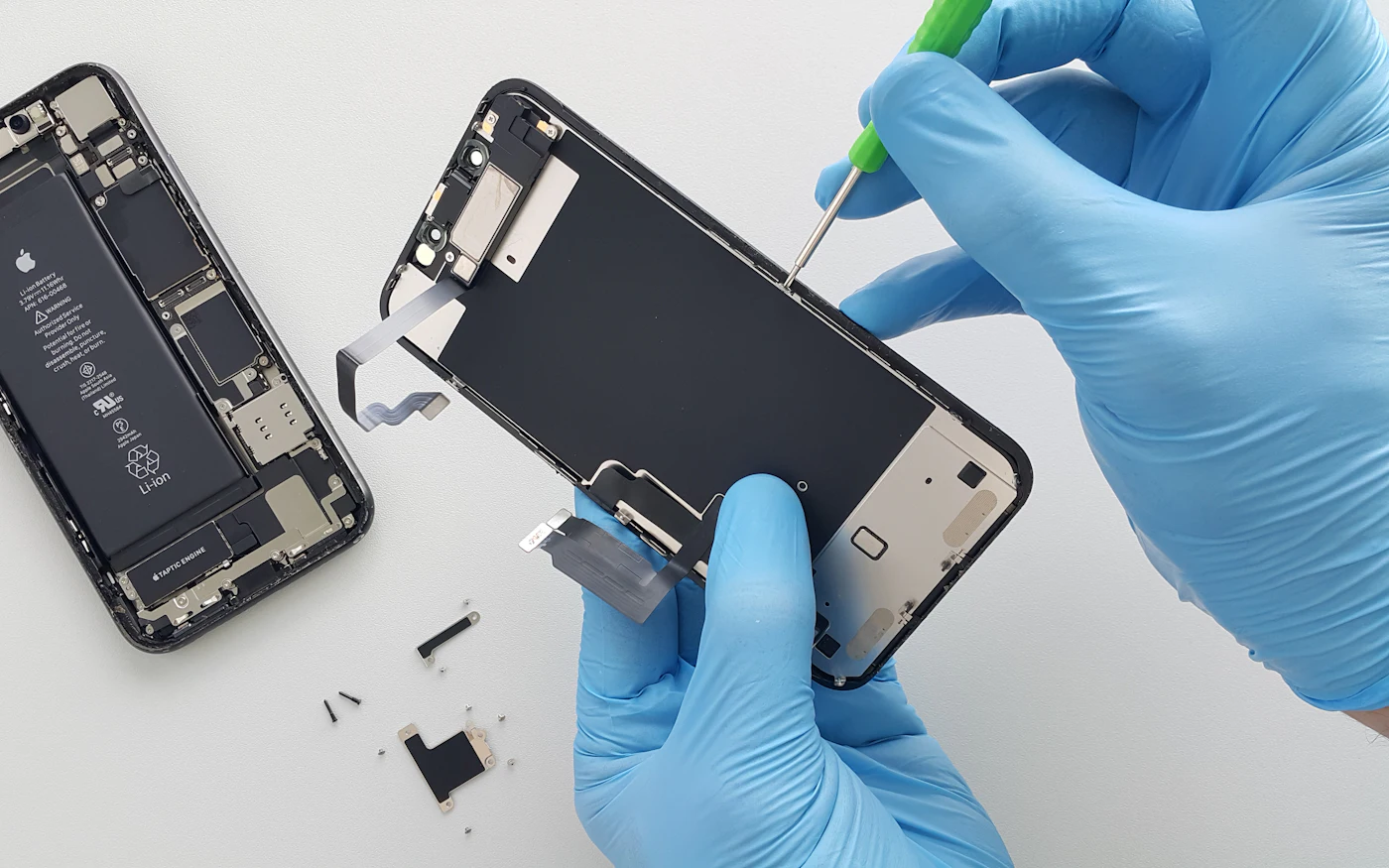
In a large share of the phones brought to us with the worry "I've been hacked", the problem turns out to be hardware. A screen that taps by itself is usually caused by a damaged touch panel, a phone that switches off suddenly by a worn battery, and a device that heats up by a fault in the charging circuit. For example, the problem known as "ghost touch", where the screen opens apps on its own, is usually solved with a screen replacement. That is why it is important to get the right diagnosis before you panic.
Phone Security Checks in Nevşehir, Cappadocia
If you are worried about your phone's security, Telefoncu Şahin will examine your device at our shop in Nevşehir city centre, a short drive from Göreme, Uçhisar, Ürgüp and Avanos. We find suspicious apps and permissions, back up your data and reset the phone safely if necessary, and set up the basic security settings together with you. If the problem turns out to be hardware, our free diagnosis gives you clear information. We are at Kapucubaşı Mah. Atatürk Bulv. No:68, Merkez/Nevşehir, open Monday to Saturday 09:00–19:00 and Sunday 12:00–17:00, and you can reach us on WhatsApp at +90 535 512 47 02. For details, visit our software and data recovery page.