You plug your phone in, but the charging icon does not appear, the percentage does not go up, or charging keeps coming and going. Charging problems are among the most common complaints we see in our repair shop. The good news is that many of these problems have simple causes, and you can solve some of them yourself – whether you are at home or in a hotel room in Cappadocia. In this article we explain the checks you can do before going to a repair shop, the point at which the problem really becomes a fault, and how we fix it in our shop.
1. Try a Different Cable
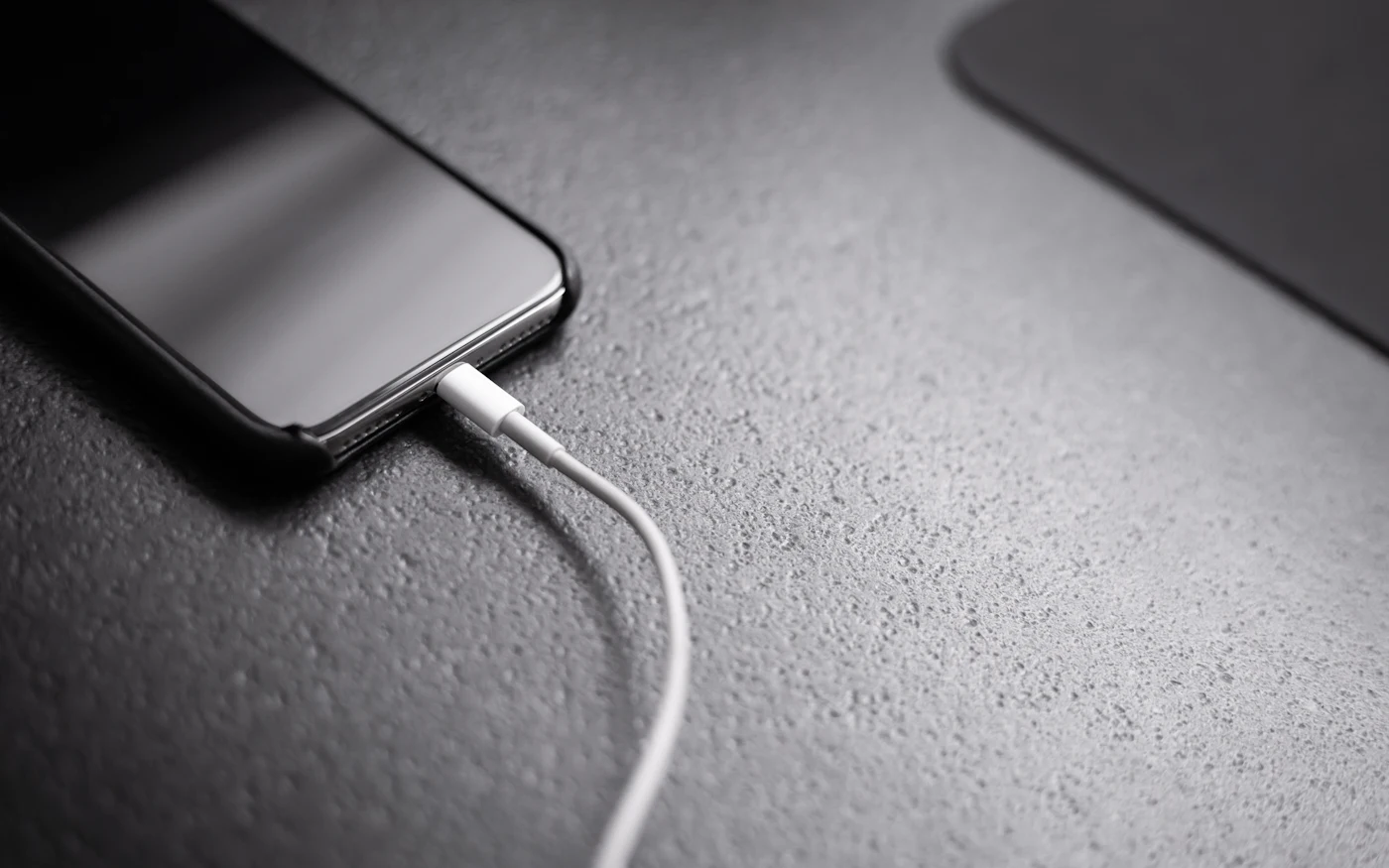
Contrary to what many people think, the most common cause of charging problems is not the phone but the cable. Cables break over time, especially at the ends, and the wires inside snap. Even if the outside of the cable looks fine, the inside may be damaged. Try another cable. If that solves the problem, all you need is a new, certified cable.
2. Change the Adapter and the Socket
Try a different adapter and a different wall socket. Extension leads and multi-socket adaptors can sometimes cause problems too – as can cheap travel adaptors bought in a hurry. Plugging the phone into a computer's USB port to see whether it charges is also a useful test.
3. Shine a Light Into the Charging Port
Use a torch to look inside the charging port. Dust, fluff and crumbs gradually build up in the ports of phones carried in pockets and bags. Each time you plug the cable in, this dirt is pushed further into the bottom of the port and stops the cable seating fully. If the cable no longer clicks into place as it used to and wobbles slightly, the port is most likely dirty. Cappadocia's fine volcanic dust makes this especially common after days spent outdoors in the valleys.
Be Careful When Cleaning the Port!
Do not use a needle, toothpick, pin or any metal object to clean the port. The thin pins inside the port bend easily, and metal can cause a short circuit. Do not use water or a wet wipe either. You can try carefully with a dry, soft brush; but if the dirt is packed in, a professional clean is the safest option. In our shop we clean ports under a microscope without damaging the pins.
4. Restart the Phone
Sometimes a temporary software glitch can stop charging from starting. Switching the phone off and on again, or forcing a restart, can solve simple software-related charging problems.
5. Pay Attention to the "Moisture Detected" Warning
Some Android phones stop wired charging for safety when they detect moisture in the charging port. If the phone has got wet or been in a humid environment, wait for the port to dry. If the warning keeps appearing even though the phone is dry, the port may be oxidised or dirty.
6. Try Wireless Charging
If your phone supports wireless charging, try a wireless charger. If wireless charging works but wired charging does not, the problem is most likely the charging port. This information makes the diagnosis easier.
7. Check the Battery Condition
If the phone charges but the percentage rises very slowly, or drops quickly once it is unplugged, the problem may be the battery. On iPhones you can see the capacity under Settings > Battery > Battery Health. If the phone gets very hot on charge or you notice the case swelling, stop charging it and bring it in. For details, see our battery replacement page.
8. Why Is Fast Charging Not Working?
If the phone charges but the "fast charging" notice does not appear, make sure the adapter and cable you are using support your phone's fast charging standard. Each brand's fast charging technology is different; with an incompatible adapter the phone will only charge at normal speed. If the phone is very hot or very cold, the system also lowers the charging speed to protect the battery.
When Should You Go to a Repair Shop?
If the problem continues despite the checks above, you need to have your phone looked at by a repair shop. Do not wait, especially in these situations:
- The cable is loose in the port or will not seat at all
- Charging only works when the cable is held at a certain angle
- The phone does not charge at all, even with different cables and adapters
- The phone overheats while charging or there is a burning smell
- The phone stopped charging after contact with liquid
How We Fix Charging Problems in Our Shop
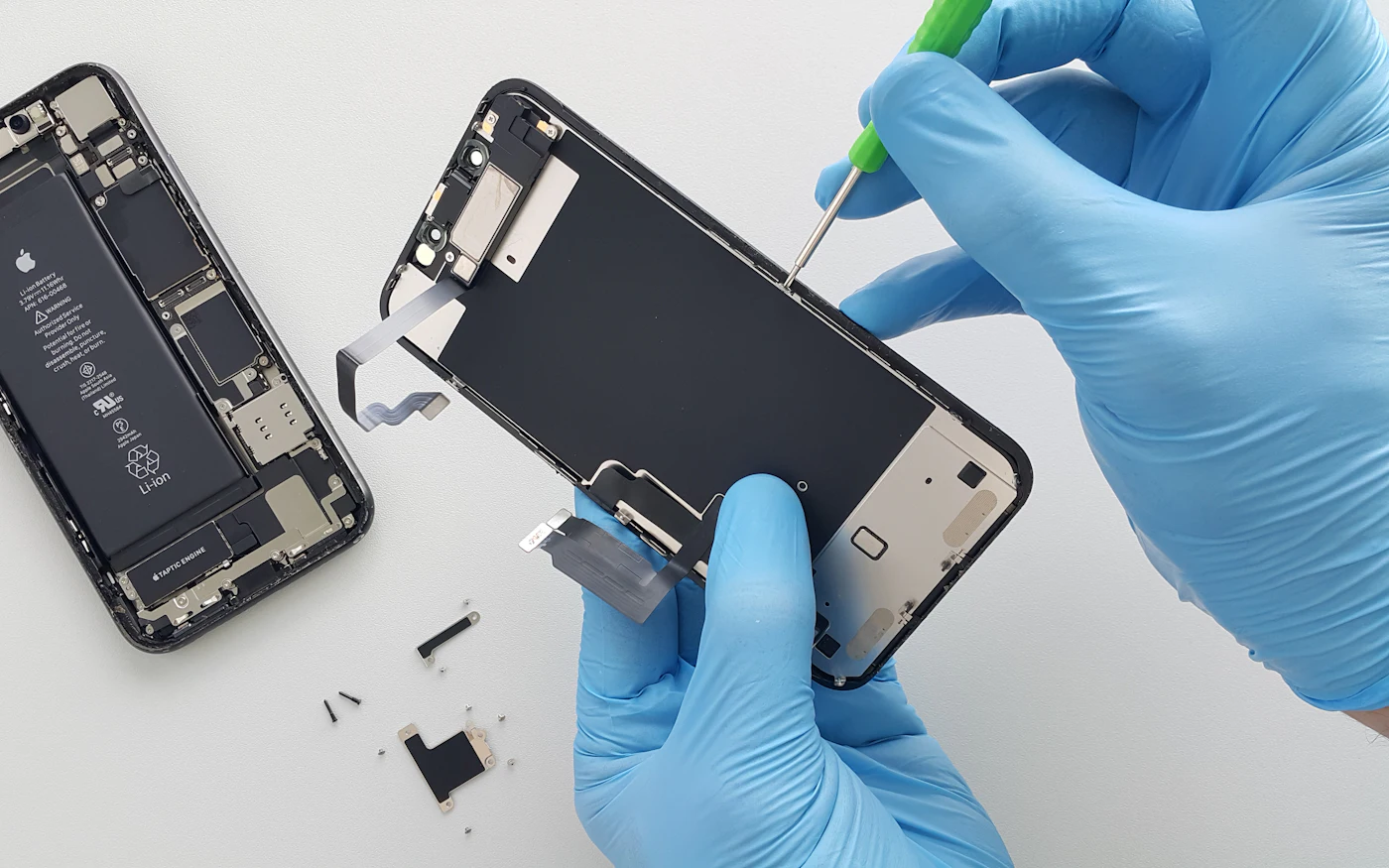
At Telefoncu Şahin, we always start with the simplest and most economical solution to a charging problem. First we rule out the cable and adapter with our test equipment and measure the charging current. Then we inspect the port under the microscope and clean it professionally. Many problems are solved at this stage. If the port is damaged, we carry out a charging port replacement; on most models this is completed the same day when the part is in stock. On phones that will not charge even though the port is fine, we examine the charging circuit on the motherboard and, if necessary, carry out motherboard repair.
If your phone will not charge, visit our shop on Atatürk Boulevard in Nevşehir city centre (Kapucubaşı Mah. Atatürk Bulv. No:68), open Monday to Saturday 09:00–19:00 and Sunday 12:00–17:00 – a short drive from Göreme, Uçhisar, Ürgüp and Avanos. Diagnosis is free, and you are given a clear price before any repair begins. You can also describe the problem or send a short video via WhatsApp to +90 535 512 47 02 first.