"My battery runs out too fast" is one of the most common complaints from smartphone users. Lithium-ion batteries age chemically with every charge cycle and over time; that process is unavoidable. But your usage habits directly determine how quickly that ageing happens. As a repair shop that has been carrying out battery replacement in Nevşehir, Cappadocia for 15 years, we have put together 12 practical tips you can follow to extend your phone's battery life.
Why Do Batteries Wear Out?
Lithium-ion batteries work by moving ions between two electrodes during charging and discharging. With every cycle, small chemical changes occur in this structure and the battery permanently loses part of its capacity. High temperature, being kept constantly full and being frequently drained completely are the main factors that speed up this process. That is why most of our tips are aimed at protecting the battery from these three situations.
Charging Habits
1. Keep the Battery Between 20 and 80 Percent
Lithium-ion batteries are under the least stress at medium charge levels. Rather than constantly charging to 100 percent and running down to 0 percent, keeping the battery between 20 and 80 percent as much as possible extends its life.
2. Turn On Smart Charging Features
iPhones have "Optimised Battery Charging", Samsung has "Protect Battery" and other Android phones have features with similar names. These make a phone left charging overnight wait at 80 percent and finish charging close to the time you usually wake up.
3. Avoid Running It Down Completely
The old advice to "drain it completely, then charge it fully" applied to older battery types, not to lithium-ion batteries. Running the battery down to zero frequently speeds up wear.
4. Use a Quality Charger
Uncertified, poor-quality charging adapters can cause voltage fluctuations that damage both the battery and the charging chip. Choose original or certified products from reliable brands – worth keeping in mind if you need to buy a replacement charger while travelling.
Temperature Management
5. Do Not Leave Your Phone in the Heat
Heat is a battery's biggest enemy. Phones left in a car, on the dashboard or in direct sunlight during summer wear out their batteries much faster. Pay particular attention to this on Cappadocia's hot summer days, for example while hiking in the valleys or waiting in a parked car.
6. Avoid Heavy Use While Charging
Gaming or shooting long videos while the phone is charging combines the heat from charging with the heat from the processor. This is one of the scenarios that strains the battery most.
7. Remove a Thick Case While Charging
The phone warms up during charging, especially fast charging. Thick cases that trap heat stop it from dissipating. If your phone gets very hot on charge, try taking the case off.
8. Be Careful in the Cold
Low temperatures do not permanently damage the battery, but they temporarily reduce its capacity. Worn batteries can shut down suddenly in the cold. Carrying your phone in an inside pocket during winter – including on early-morning balloon flights – reduces this problem.
Settings and Usage
9. Set Screen Brightness to Automatic
The screen is the component that uses the most energy in a phone. Auto-brightness and dark mode (especially on OLED screens) noticeably reduce energy consumption.
10. Check Background Apps
Look in the battery settings to see which apps use the most energy. Restrict apps that constantly use location or refresh in the background.
11. Keep Your Software Up to Date
Manufacturers improve battery management with software updates. Postponing updates means missing out on these improvements. Read more in our article on whether you should update your phone's software.
12. Store It at 50 Percent if You Will Not Use It for a While
If you will not use a spare phone for a long time, store it switched off, in a cool place, at around 50 percent charge.
When Is a Battery Replacement Needed?
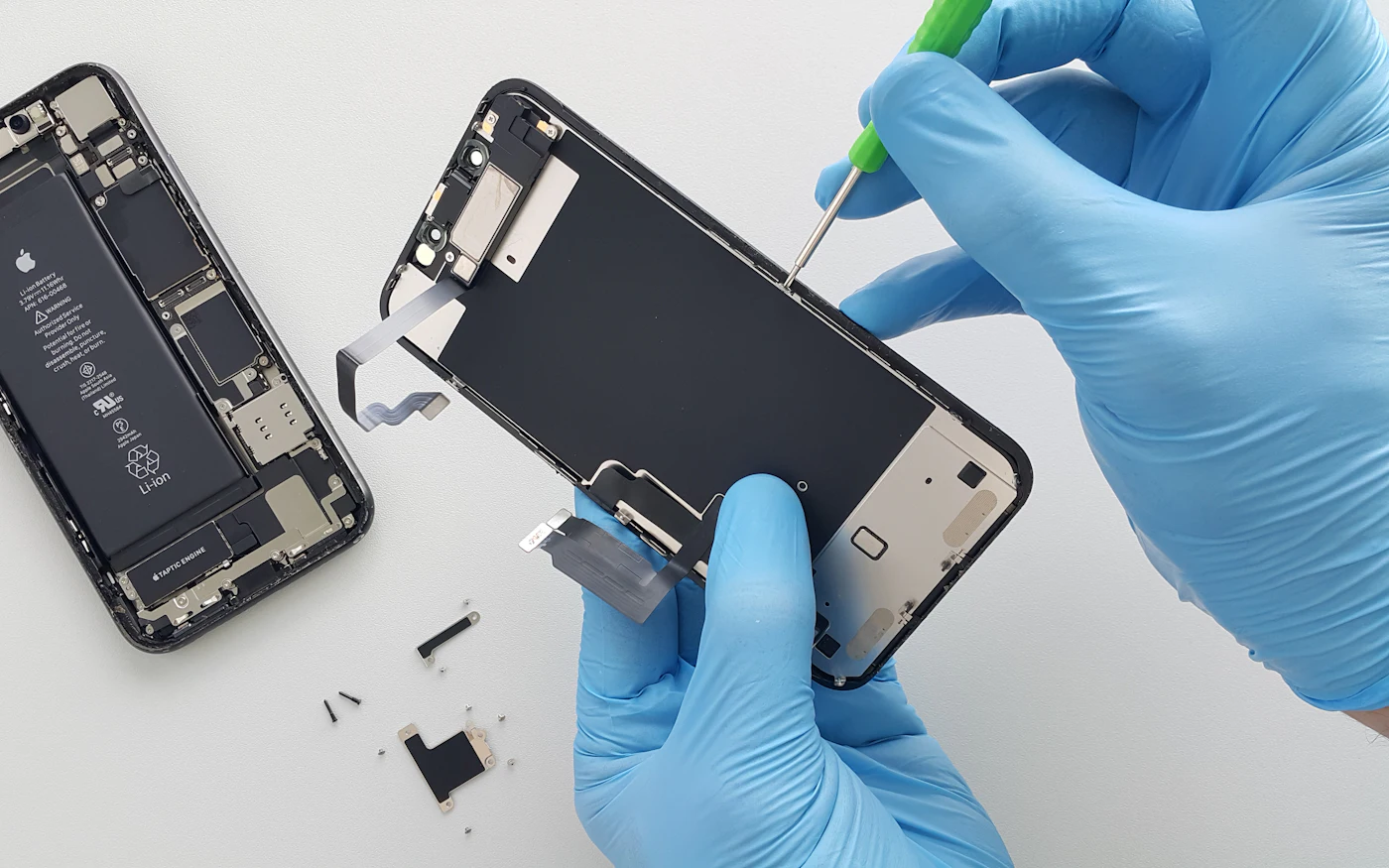
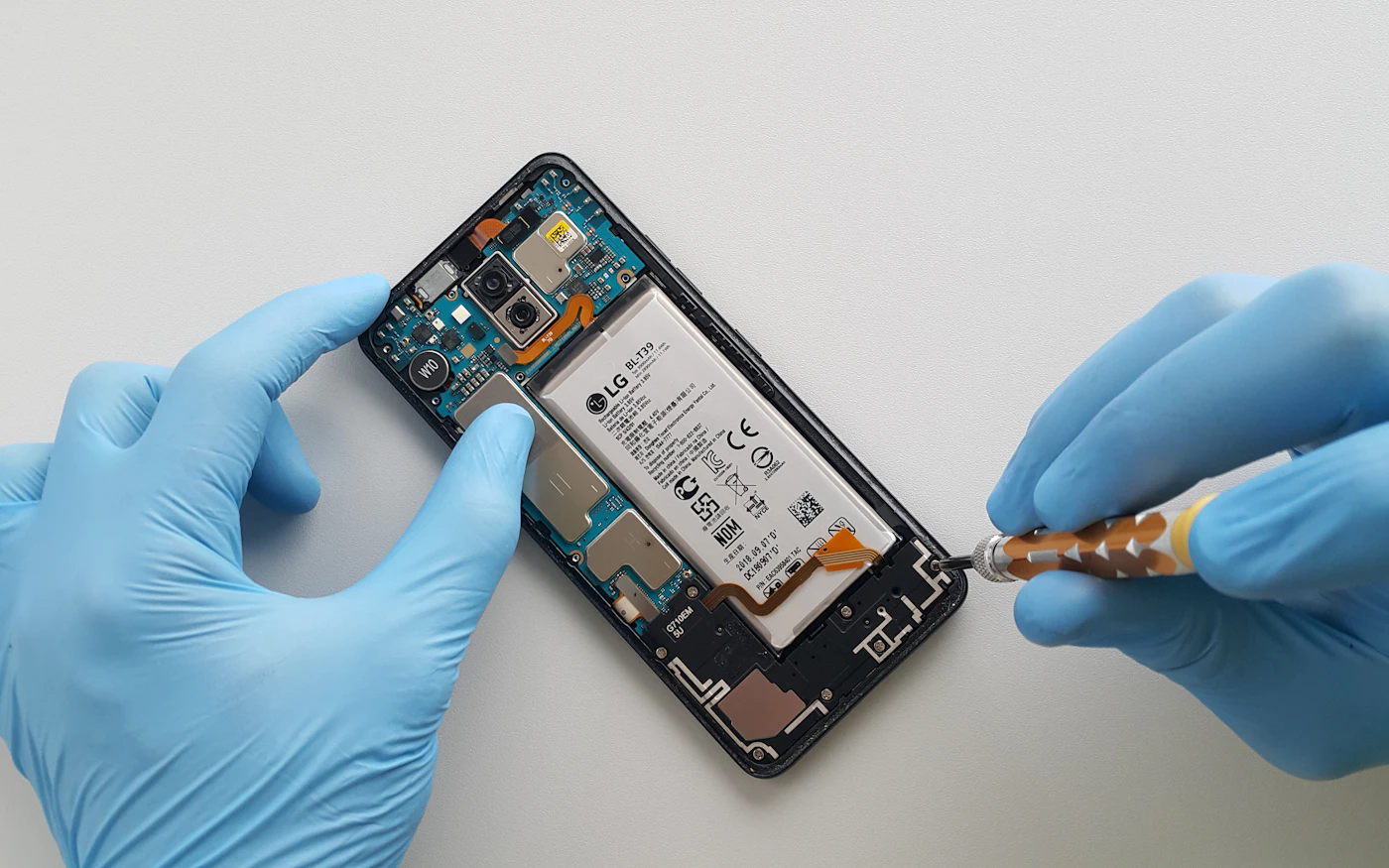
Despite all these precautions, every battery eventually reaches the end of its life. On iPhones, it is time for a battery replacement when battery health drops below 80 percent; on Android phones, when the battery runs out by midday, the phone shuts down at a certain percentage or the case starts to swell. A swollen battery is a safety risk; in that case, bring the phone in without charging it.
For battery replacement in Nevşehir, visit our shop on Atatürk Boulevard, open Monday to Saturday 09:00–19:00 and Sunday 12:00–17:00. On most models we complete the job while you wait and test the new battery's capacity before handing the phone back. If you are staying in Göreme, Uçhisar, Ürgüp or Avanos, you can send your phone model via WhatsApp to +90 535 512 47 02 to check that the battery is in stock before you come. iPhone users will find more detailed information on our iPhone repair page.
Frequently Asked Questions
Does charging overnight damage the battery?
Modern phones stop charging when they reach 100 percent, but sitting fully charged all night does put some strain on the battery. Smart charging features largely solve this problem.
Does fast charging damage the battery?
Manufacturers' fast charging systems are designed to protect the battery. However, fast charging generates more heat, so it is important to keep the phone cool while it charges.