
As the price of new phones keeps rising, the second-hand phone market grows every day. A well-chosen used phone can save you a lot of money compared with a new one. But a careless purchase can turn into a big disappointment: a phone that gets blocked on the network, an account lock that cannot be removed, a battery that dies quickly or a hidden fault. As a shop that has been repairing phones and buying and selling used phones in Nevşehir, Cappadocia for 15 years, we have put together the 10 points you should always check when buying a used phone.
1. Check the IMEI Registration
Every phone has a unique IMEI number, and in many countries – Turkey included – a phone must be properly registered to work on local mobile networks. A phone that is unregistered or has been reported lost or stolen can be blocked from the network soon after you buy it. Dial *#06# on the phone to see its IMEI number, and check it through the official channels available in the country where you will use it. In Turkey, phones brought from abroad are also subject to IMEI registration rules for use with a local SIM card, so ask about this before buying. Also make sure the IMEI shown on the phone matches the number on the box and invoice.
2. Make Sure the Account Lock Has Been Removed
iPhones have the iCloud Activation Lock and Android phones have Google account protection (FRP). A phone sold without the previous owner signing out of their account becomes unusable for you once it is reset. Ask the seller to remove their account and restore the phone to factory settings in front of you.
3. Find Out the Battery Health
On iPhones, the maximum capacity can be seen under Settings > Battery > Battery Health. A battery below 80 percent will need replacing soon, so factor that cost into your negotiation. On Android phones this information is not always shown directly; having it tested at a repair shop is the most reliable approach.
4. Check Whether the Screen Is Original
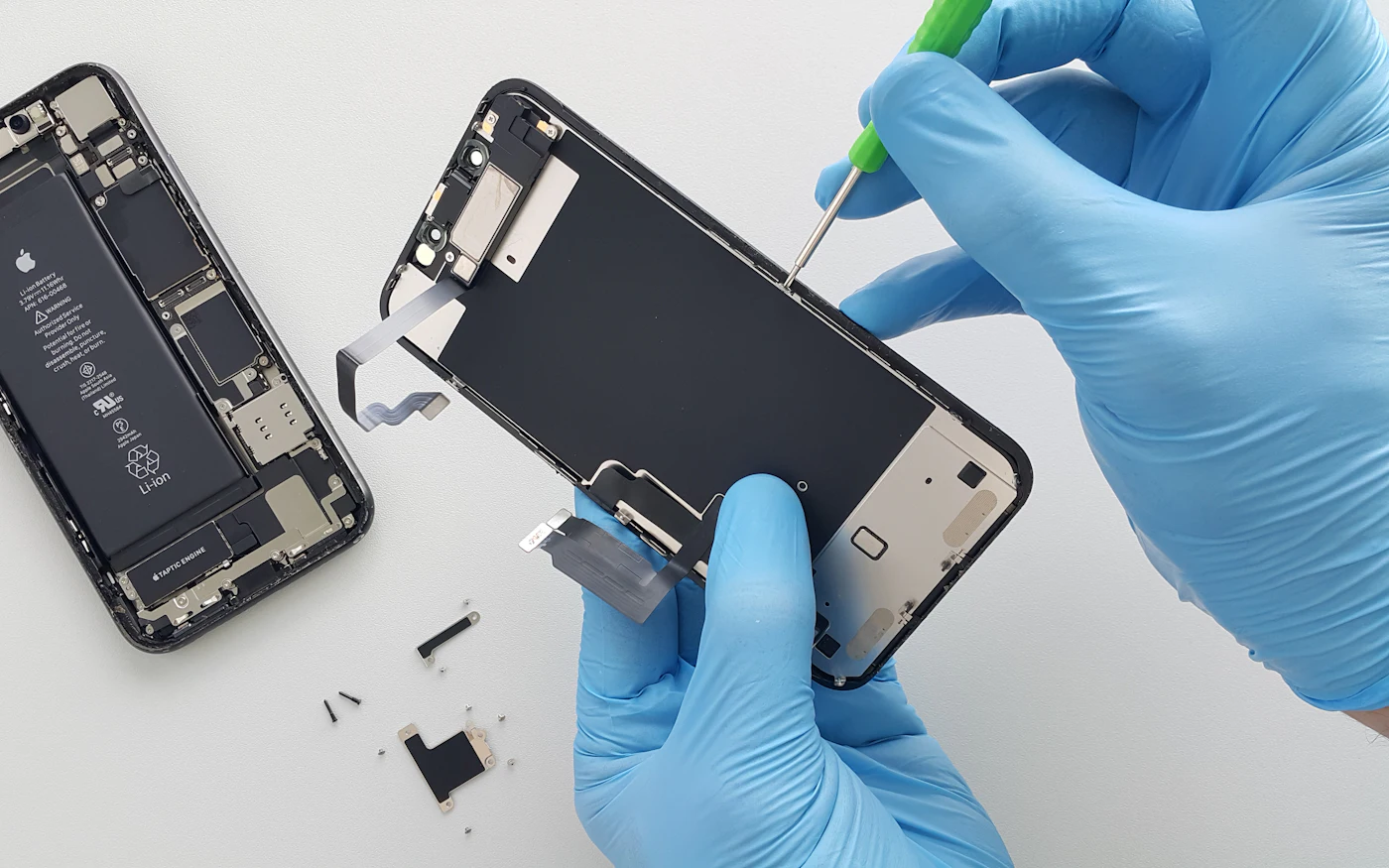
A screen that has been replaced is not always a bad thing, but you need to know about it. Poor-quality aftermarket screens can have washed-out colours, low brightness and thick bezels, and can increase battery drain. On newer iPhones, parts and service history can be viewed under Settings > General > About. Look at the screen on a white and on a black background to check for spots, yellowing and dead pixels.
5. Test the Touchscreen Across the Whole Display
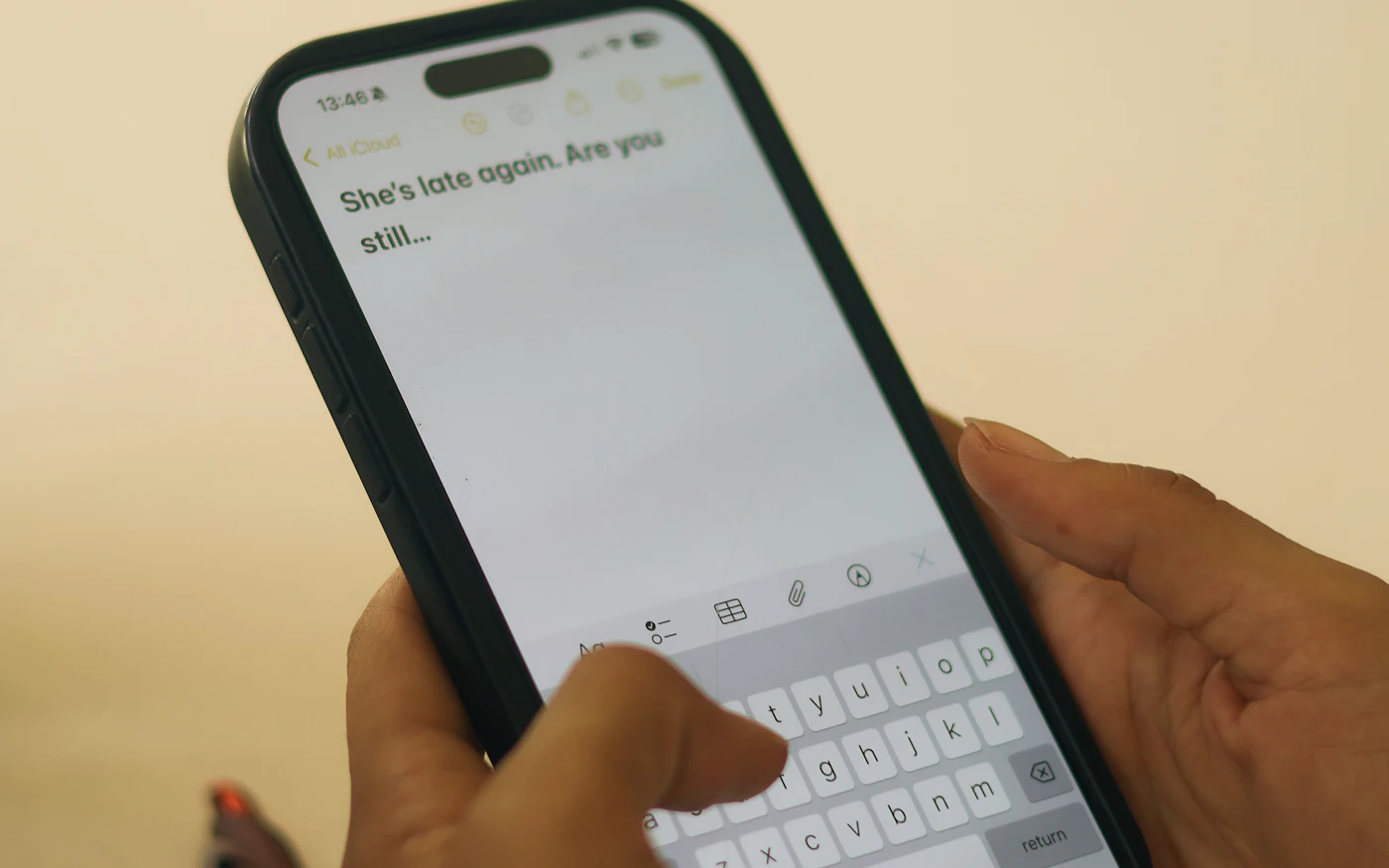
Press and hold an app icon and drag it to every corner of the screen. If the icon sticks or drops at any point, there is a dead zone in the touchscreen. You can also check by pressing every key on the keyboard.
6. Try the Cameras and Flash
Take photos and videos with all the front and rear cameras. Switch between the wide-angle, telephoto and macro lenses. Make sure focusing is fast and there is no shaking in the image or clicking sound. Check the lenses for scratches, cracks or dust inside.
7. Check the Sound, Microphone and Vibration
Make a call and ask the other person whether they can hear you clearly. Test the loudspeaker on speakerphone and the earpiece during a normal call. You can check the microphone by making a voice recording and playing it back. Also make sure the vibration motor works.
8. Try Face ID, Touch ID or the Fingerprint Reader
Test the biometric lock by adding your own face or fingerprint. On iPhones, a Face ID that does not work can mean a significant repair cost.
9. Test the Charging Port and Wireless Charging
Plug the phone in and check whether the cable feels loose. Make sure the charge percentage rises steadily. On models that support wireless charging, try that too.
10. Inspect the Frame and Screws
Check the frame for bending, dents or cracks. Scratches or wear on the screws next to the charging port can mean the phone has been opened before. A gap between the screen and the frame can be a sign of a swollen battery or a badly done repair.
The Safest Option: A Used Phone From a Repair Shop
Making all these checks one by one takes time and know-how. Used phones bought from a repair shop are put on sale having already passed these checks and been tested, and if you have a problem after the sale, you know exactly who to talk to. At Telefoncu Şahin, the used phones we sell go through every one of the checks above, and if any part has been replaced we say so clearly. You can browse our current listings on our phones for sale page. If you are thinking of buying a phone somewhere else, you can also call us and bring it to our shop to have it checked before you buy.
If you live in Cappadocia or are staying for a while – in Göreme, Uçhisar, Ürgüp or Avanos – and need a replacement phone, our shop at Kapucubaşı Mah. Atatürk Bulv. No:68 in Nevşehir city centre is open Monday to Saturday 09:00–19:00 and Sunday 12:00–17:00. You can also send questions via WhatsApp to +90 535 512 47 02.
Use This Information When Negotiating
Every shortcoming you find during the checks above means a repair cost. For example, low battery health means a battery replacement, and cracked camera glass means a glass replacement. Finding out these costs in advance and using them when negotiating helps you buy a phone at a genuinely good price.